


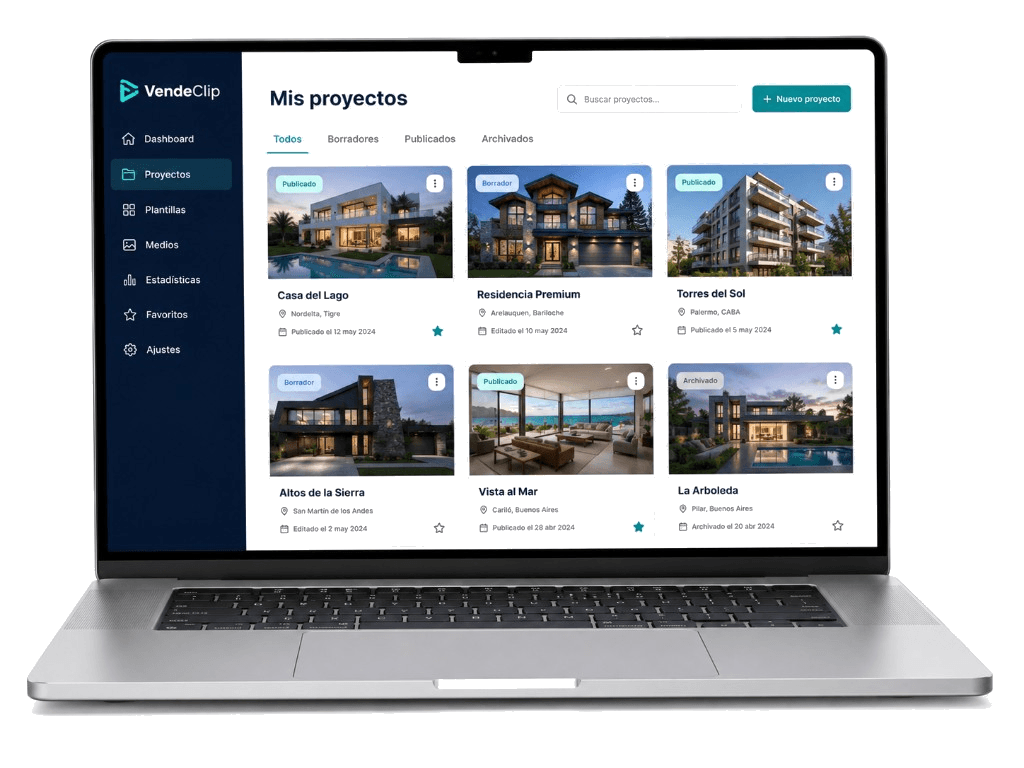
Get started
VendeClip Help Center
Learn how to turn property photos into videos that are ready to publish, share, and generate inquiries.
Create your first video
Follow the complete process, from property details to the final MP4.
Prepare your photos
Import a listing or upload images that present the property at its best.
Share and publish
Download the video, copy captions, and share the public page via WhatsApp.
Set up your brand
Use your logo, brand system, WhatsApp number, and call to action.
VendeClip is designed for real estate agencies and professionals in Latin America. Each guide explains a specific task using the same language you will find in the product.
The main workflow
VendeClip guides you through five steps to create a new video:
- Property: import the listing from its URL or enter the title, property type, transaction, location, and description.
- Photos: upload or import at least 3 images, arrange them, and edit AI versions if needed.
- Clips: choose the format, review the selection, and tap Generate clips with AI to create motion or VFX clips.
- Preview: arrange scenes and review the brand system, music, voice or avatar, subtitles, and logo.
- Generate: confirm the videos available on your plan and create the final MP4.
The fastest way to get started
Have 5 to 12 high-quality photos, the listing URL or property name, and a WhatsApp contact number ready.
After generating
Once the video is ready, you can download it, share it through WhatsApp, copy social media captions, publish a property page, and review inquiries, notifications, and analytics.
How to use these guides
Each tutorial includes a short video, written instructions, quality checks, and solutions to common issues. If a video is still in production, the written guide contains every step you need.